

It has become quite popular to create a personal cartoon face and use it as avatar image, but cartoon illustrations can also be used in all kinds of designs.
Many online companies create a kind of mascot and use it as a through-going element in the marketing they do. With powerful graphic tools like Photoshop, the right skills and techniques it is not that hard to turn photos into cool looking cartoon illustrations.
Another popular method for creating digital cartoon drawings is following Illustrator cartoon tutorials. The advantage of Photoshop PSDs is that the outcome in Illustrator is a vector graphic. It is simpler to update and scales better for various design dimensions. If you are planning to use your work in multiple designs it may be better to draw from scratch in Illustrator.
Photoshop on the other hand work wonders in no time if you know how to do it and have a few cool cartoon actions to automate some of the steps. However, it is also possible to draw cartoon characters from scratch and then you need to sit tight and look for all your creative talents. Some of the tutorials included show you how to do this as well.
Do keep in mind that a great background can make a cartoon illustration stand out and work as the caviar. You can find inspiration and learn how to get it right by checking these Photoshop background tutorials. To get this right you often need to do a proper image extraction. I will start with some tutorials and then at the end share some useful cartoon actions.
[exec]$filestr = file_get_contents(‘http://www.tripwiremagazine.com/googleadsensebelowmoretag.inc’);echo $filestr;[/exec]
Photoshop Tutorial: Creating a Professional Cartoon Effect from a Real Photograph
This is one of my favorites, the result is awesome, but it is also a long and advanced Photoshop cartoon tutorial! In this tutorial, you can learn a cool technique for creating a cartoon effect from a real photograph.
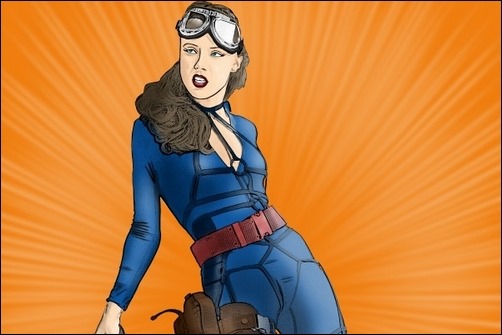
Photoshop Tutorial – How to draw cartoons in Adobe Photoshop
OK this one is cool but also requires some creative and drawing skills. I would think the techniques are great for turning a scanned drawing into a digital cartoon artwork.

Adobe Photoshop Cartoon effect tutorial
This tutorial have a great cartoon result and it is easy to follow due to on screen text. It is without voice though. Certainly worth checking out.
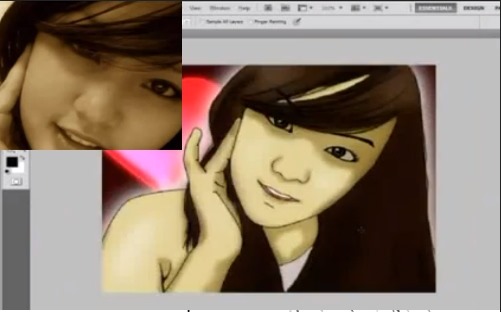
Comic Style Coloring
Useful tips and steps used for applying comic style coloring in Photoshop.

Create Andy Warhol Style Pop Art – Lady Ga Ga [Photoshop CS5]
In this tutorial TastyTuts demonstrates how to create Pop Art in the style of Andy Warhol in Adobe Photoshop. It is a really cool effect.

Photoshop Tutorial Turning An Image Into A Cartoon in 2 minutes
It is possible to do it in Photoshop and it is very easy and only takes 2 minutes. However, for the effect to be really good you need images that have a good amount of variation

Tutorial – How to draw cartoon in photoshop
A cool tutorial in drawing and coloring a cartoon sketch.

Turn Photos of People into Line Art
This is a cool tutorial on how to create a line art drawing in Photoshop. It is a time consuming process so don’t choose this tutorial if you are not able to spend a few hours.

Comic book effect in Photoshop
Learn how to create a comic book effect in Photoshop. Follow the steps below to see how to get this final effect.
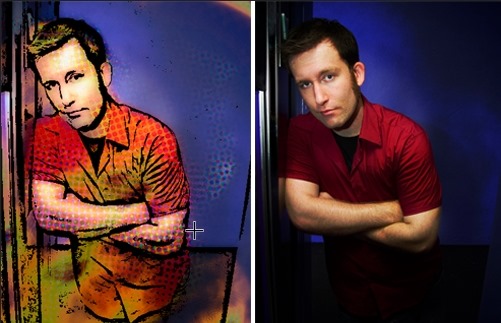
Comic Book Photo Effect
In this Photoshop tutorial I’ll show you how to add a comic book effect to an ordinary photo using a few layers, the Cutout and Poster Edges filters and a few different layer blend modes. 
How To Cartoon Yourself In Photoshop CS5
I like to learn from video tutorials myself. This one goes through some simple steps for creating the effect below, but the author is not too exciting to listen to…

Create a Vector Mascot with Pen Tool
This tutorial teach you how to use only the Pen Tool to make a simple cartoon vector face for avatars or mascots.
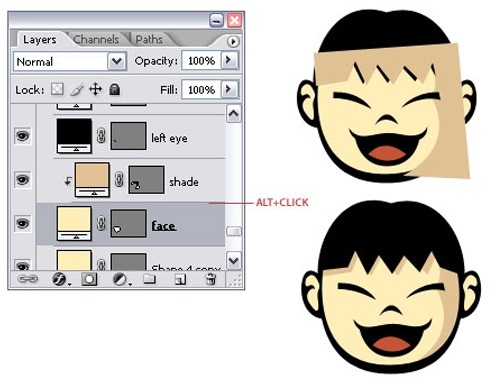
How to Draw a Cartoon Tiger Tutorial 1 Photoshop CS5
Great detailed tutorial on how to draw a cartoon tiger from scratch, but inspired from a photo.
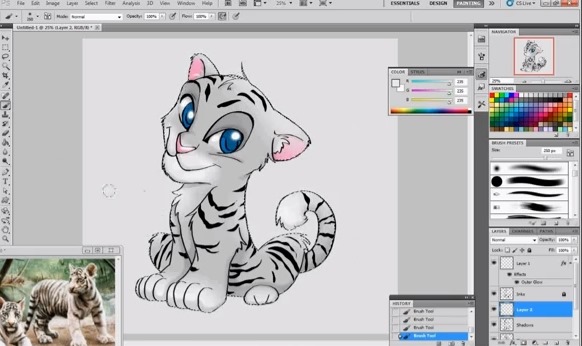
Cartoon Drawing Photoshop Images Effect
Another simple to follow technique for turning a photo into a cartoon in Photoshop.

How To Make Photoshop Cartoons In About One Minute
Learn how to turn one of your own photos into a surprisingly nice photo filter cartoon
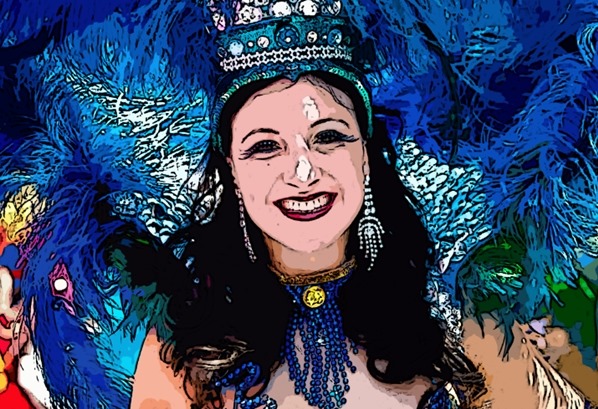
Create a Retro Pop Art in Photoshop
How to turn a photo into a cool retro pop art photoshop effect

Photoshop Cartoon Actions
Comics Photoshop action
This action will turn your images into comic looking pictures.

Photography to Illustration Actions
Illustration action pack for Photoshop with several nice cartoon style effects.

Pop Art Action
Photoshop Action for speeding up the process of creating a cartoon from an ordinary picture. You get this without using the pen tool, which is specially good for those who haven’t got enough free time to do it the hard way.

Comic Book Action (premium action)
Cool action pack to add cartoon style effects to designs
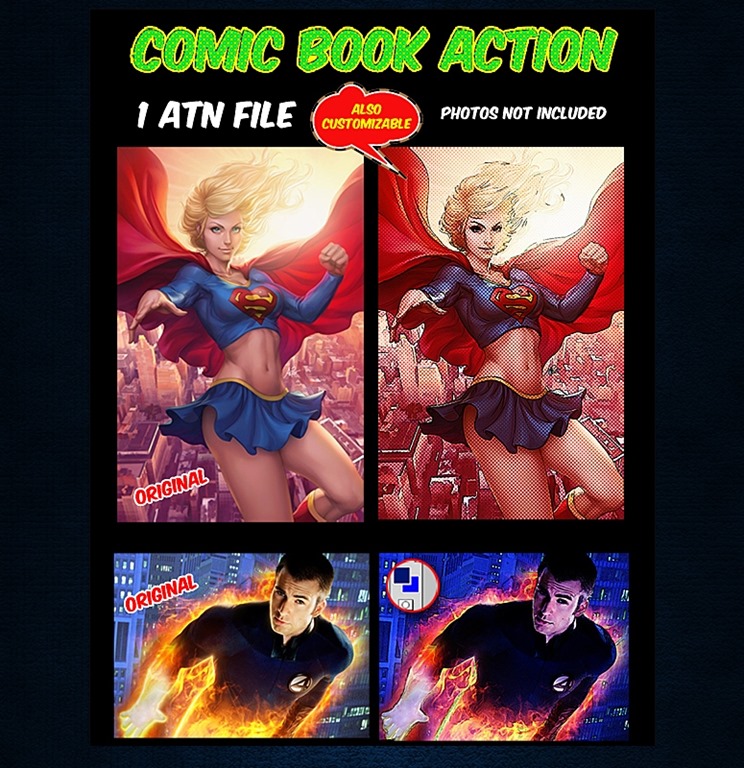
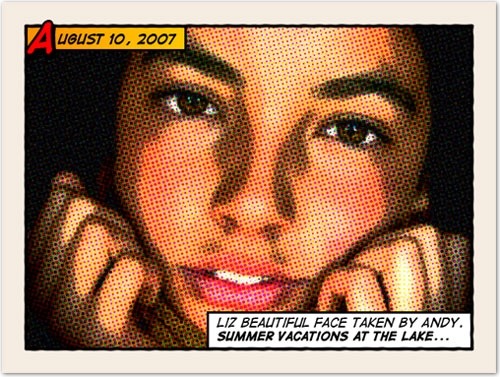
Comics Photoshop action Photos a Retro Comic Book Effect
Creating a old comic book effect for your photos is easy and the results are visually appealing. More fun is achieved when adding captions to your photos using comic book fonts and design elements. This tutorial will show you how to give a comic book look to your photos using a couple of filters and some additional decorations.
If you like Photoshop addons, make sure to check out the thousands of fully-licensed premium addons found over at Envato Market. Thank you for visiting Tripwire Magazine. Don’t forget to share this post with your friends.

Lars is passionate about web design, web development, SEO, social media and loves to look into new technologies, techniques, tools etc. and to write articles for tripwire magazine readers.



very cool Photoshop cartoon actions, thanks
i love your site….thank you ..but can u help me in i create my self as a anime but i want to make my hand or anything big….
thank you for this info, I will return…
Hi Lester,
We will look forward to seeing you again on tripwiremag 🙂
Kind regards,
Sofie
i am regular watch and learn with your site really nice and intersiting content